Desktop apps for fast, local, controlled work
We build desktop applications for internal operations, offline scenarios, and environments where speed, stability, and hardware integration matter more than a browser-only setup.
What’s included
We define the workflows, build the application, prepare installation, and stay available for updates and internal rollout.

Apps for internal operations
Clear interfaces for teams handling high data volume, repetitive actions, or time-sensitive workflows every day.
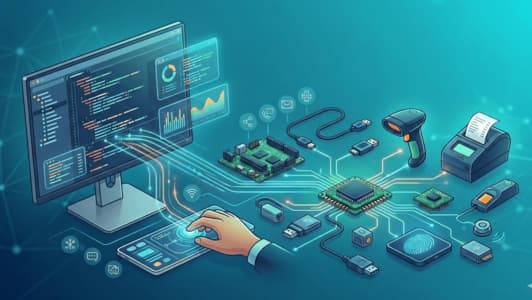
Hardware & peripheral integrations
We connect printers, scanners, industrial devices, or other peripherals where web applications are not enough.
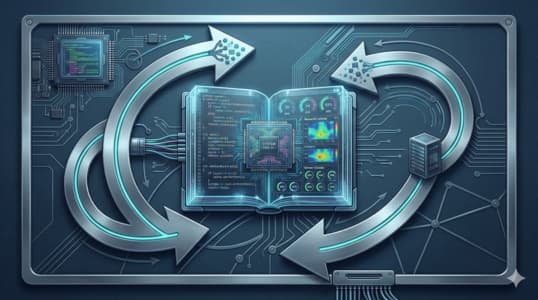
Offline work & local sync
Stable flows for low-connectivity environments, on-premise setups, and controlled synchronization when needed.

Packaging, updates & rollout
We prepare installation, updates, and internal distribution so adoption is easier across your team.
Timeline, budget, and collaboration
Short answers to the practical questions that usually come up before a project starts.
Typical timeline
Desktop apps for internal workflows are generally delivered in 4-8 weeks for the first version, with later extensions based on integrations and offline needs.
Budget framing
Budget varies with UI complexity, hardware integration, installation needs, local sync, and security requirements.
How we work
We need sample workflows, target workstations, and the existing systems. From there, we define the initial module, test quickly, and expand in a controlled way.
Post-launch support
After delivery, we can cover updates, maintenance, new packaging, additional integrations, and support for internal rollout.
Technology stack for desktop apps
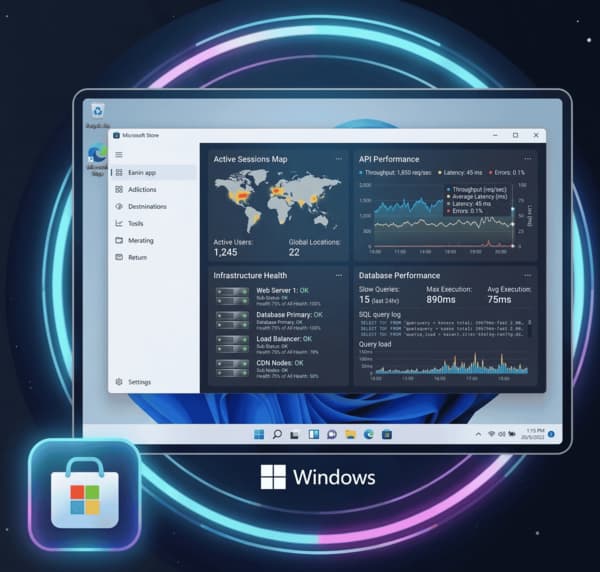
Stable apps for Windows and macOS.
Desktop
Modern, fast interfaces.



Back-end
System and API integrations.



Distribution
Controlled installs and updates.
Desktop
Modern, fast interfaces.
Back-end
System and API integrations.
Distribution
Controlled installs and updates.
What we solve concretely
The operational or growth problems we address directly through the project.
- Interfaces that are hard to navigate
- Frequent actions that are too slow
- Reduced team productivity
- Total dependency on internet access
- Local data that is hard to manage
- Unreliable synchronization
- Fragile import/export flows
- Peripherals that are hard to orchestrate
- Local data without clear control
- Different versions across the team
- Updates with operational risk
- Support that is hard to standardize
What you get
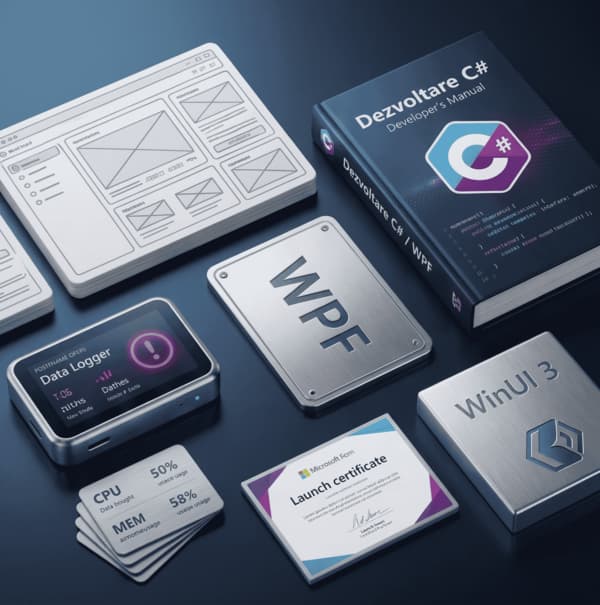
Clear deliverables ready to use and scale.
- Screens and flows designed for daily work, not just demos
- Clear structure for frequent steps and critical team actions
- An interface adapted to desktop usage, speed, and repetitive work
- Modules for local operations, repetitive tasks, or specific validations
- Business logic adapted to the real work environment and technical constraints
- A base for integration with existing systems or offline behavior
- Controlled installation for the workstations that run the app
- A clear package for distribution, versioning, and later updates
- Preparation for internal rollout without ad-hoc install work
- Instructions for installation, operation, and baseline administration
- Clarity for internal onboarding and post-delivery support
- A useful base for extensions, updates, and technical handoff
What a well-scoped first desktop release can include
The first phase should solve one clear internal workflow and be easy for the team to adopt, not attempt to cover every scenario from day one.
Internal app for dedicated workstations
A good fit for repetitive operations that need local speed, clear validations, and a stable interface for day-to-day work.
- Screens and flows optimized for repetitive tasks
- Rules and validations for common errors
- Fast access to critical data and actions
- A solid base for additional modules later
Offline or on-premise workflow
For environments with variable connectivity or local execution requirements where a web app is not enough.
- Local work with controlled synchronization
- Critical logic kept closer to operations
- Better stability in restrictive environments
- Cleaner control over distribution and rollout
Hardware and peripheral integration
For workflows that depend on printers, scanners, or other devices and need software shaped around real operational usage.
- Integration with peripherals and existing systems
- Controlled packaging and updates
- Flows adapted to the real operational context
- Lower friction for teams using the app every day
Questions clients ask before a desktop project
Practical questions about offline scenarios, distribution, hardware integration, and support after delivery.
When you need local speed, offline work, hardware integration, or more control over the runtime environment. If the browser becomes a real limitation, desktop can be the better fit.
Yes, if there is a clear integration path. We review the hardware, the existing systems, and the exact points where the application must connect or exchange data.
We can prepare packaging, installation, and an update flow that fits your environment so rollout stays controlled and easy to manage internally.
Yes. We can continue with maintenance, updates, new modules, UX improvements, and support for team adoption after release.